01
Plan the rollout
Clarify users, sites, device types, carrier needs, kit contents, timing, and support handoffs before hardware moves.
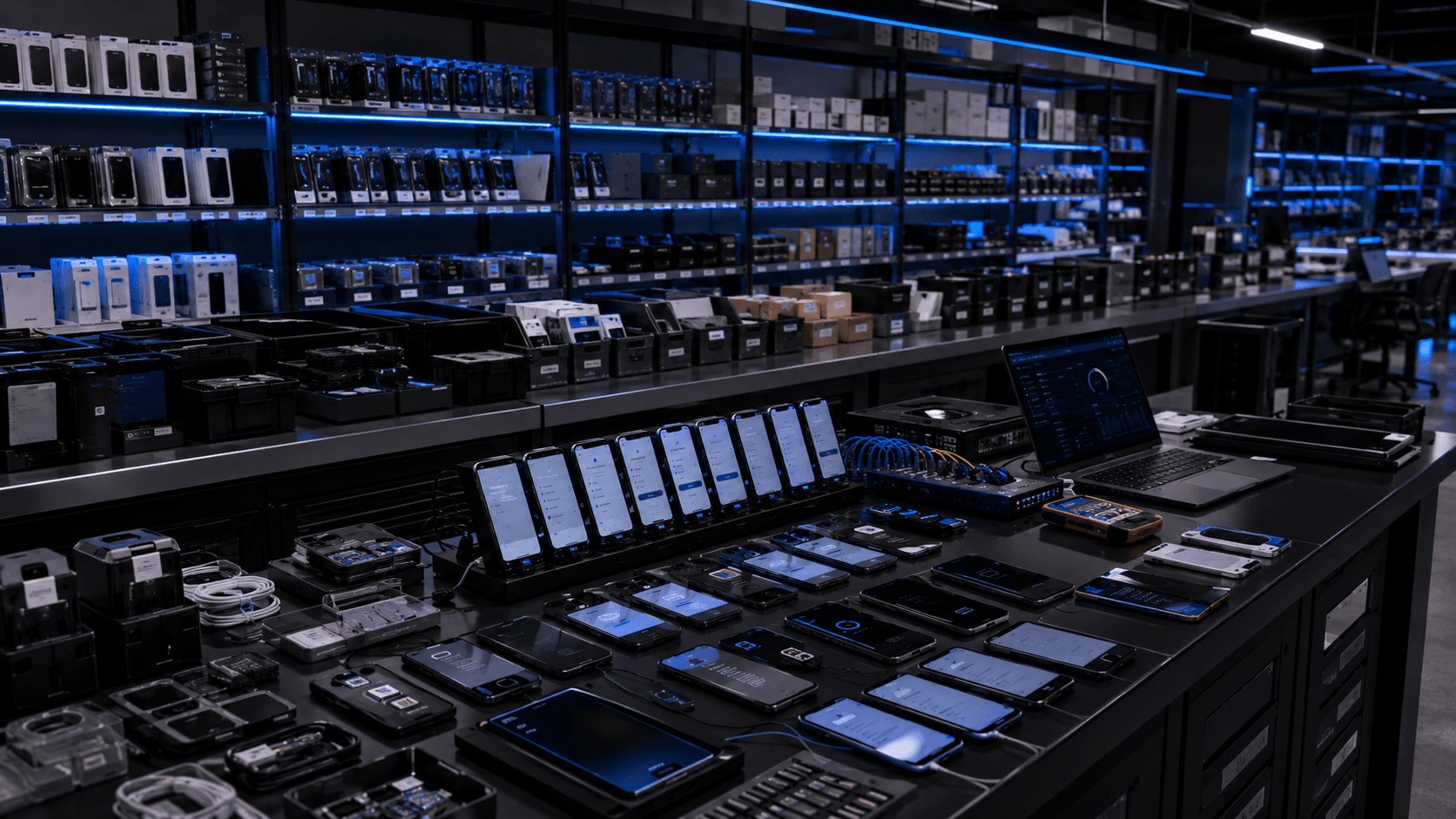
Link Logic Solutions helps teams prepare business devices, assemble deployment kits, coordinate rollout details, and keep lifecycle work organized after launch.
Inventory
Devices and accessories pulled for the project.
Provision
Setup, enrollment, apps, and carrier notes prepared.
Verify
Identifiers, SIM details, labels, and contents checked.
Kit
Hardware, cables, inserts, and packaging assembled.
Ship
Handoffs and shipment details kept clear.
Devices supported
What we handle
We help teams choose what needs to ship, prepare each device, build clean kits, support deployment, and manage refresh, returns, wipe workflows, and retirement.
Best fit
IT teams
Need devices prepared before users receive them.
Operations teams
Need kits organized by site, install window, or field group.
Procurement teams
Need hardware, accessories, SIM details, and lifecycle notes kept together.
Clarify users, sites, device types, carrier needs, kit contents, timing, and support handoffs before hardware moves.
Stage phones, tablets, routers, hotspots, laptops, and IoT devices with the required setup, labels, and checks.
Pack devices with SIMs, chargers, accessories, inserts, labels, and job-specific materials so the handoff is obvious.
Support shipment timing, recipient readiness, activation notes, delivery status, and practical exception handling.
Keep assignment, repair, refresh, return, wipe workflow, and retirement details organized after launch.
Sourcing and quality
When the project needs hardware coordination, Link Logic can help keep vendor sourcing, inbound receiving, quality testing, and exception handling connected to the deployment plan.
3PL and distributor coordination
Inbound receiving checks
Device and accessory matching
Quality testing notes
Coordinate equipment needs through client-directed 3PL vendors, distributors, or approved purchasing paths before staging begins.
Match inbound phones, tablets, routers, hotspots, laptops, IoT hardware, SIMs, and accessories against the project scope.
Check visible condition, power-on behavior, identifiers, SIM fit, accessory fit, and basic readiness notes before equipment moves forward.
Keep source, receipt, test status, label needs, and exception notes tied to the hardware that will be staged, packed, or returned.
Dashcam installations
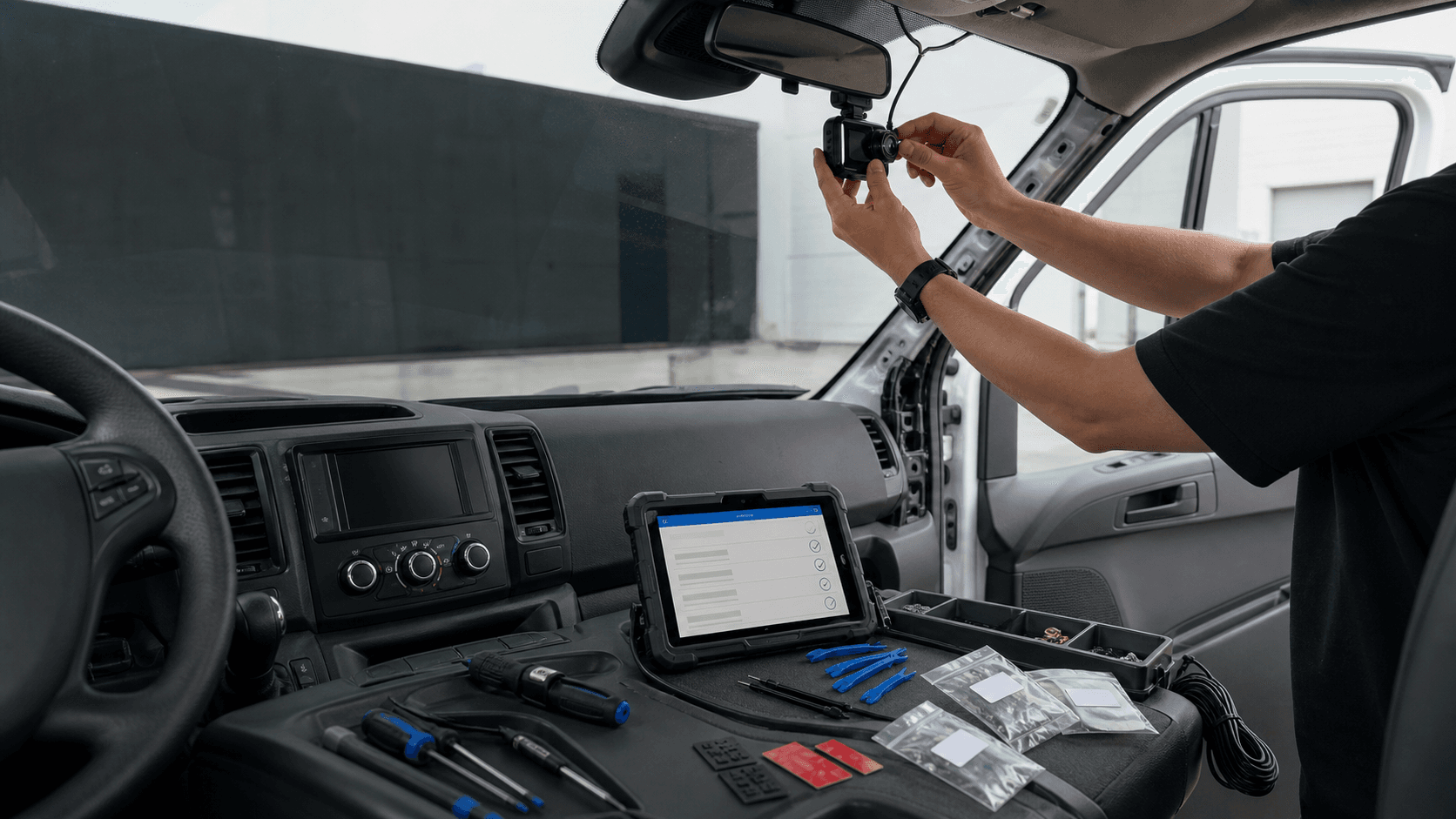
Dashcam programs can include mounting, cable routing, tool control, device details, and practical readiness checks before vehicles return to the field.
Confirm camera placement, windshield visibility, and the practical fit inside each vehicle type.
Keep wiring tucked, protected, and documented so the install is cleaner for the driver and support team.
Organize mounts, adhesive pads, trim tools, harnesses, labels, and small parts around the install plan.
Capture device details, camera angle, startup status, and any handoff notes before the vehicle leaves.
Dashcam and mount matched
Cable path kept clean
Tool set organized
Install notes captured
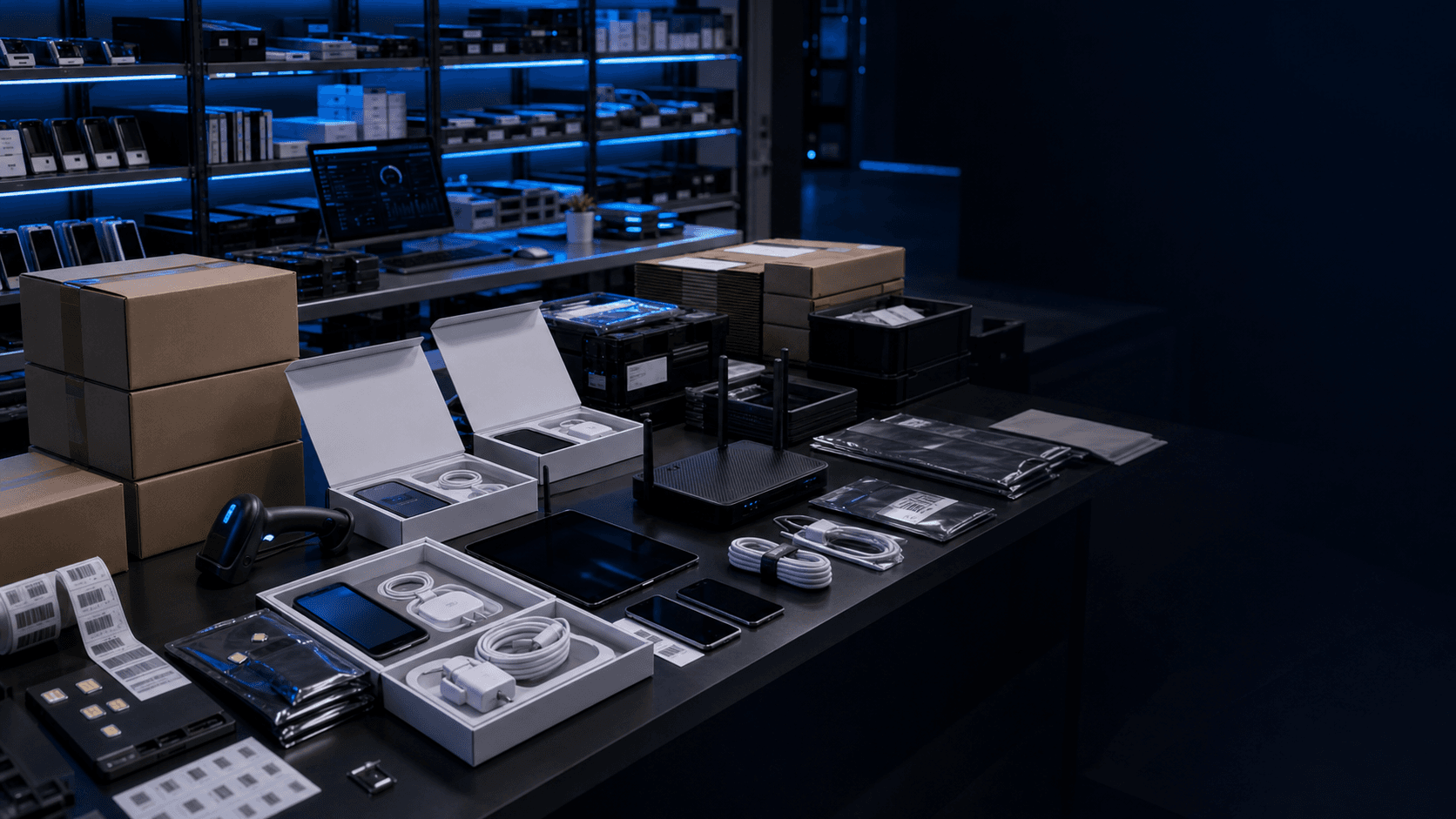
Kitting and fulfillment
Devices, SIMs, accessories, labels, inserts, and packaging can be organized by user, site, install window, replacement group, or project need before shipment.
SIM and device details matched
Accessories packed with the device
Labels and handoff notes included
Ship groups kept clear
Kit contents
A clear kit reduces confusion for the person receiving it, the field team deploying it, and the support team handling exceptions later.
Keep the device, IMEI, serial, and kit reference easy to match later.
Pair SIM handling and carrier notes with the right device package.
Pack chargers, cables, cases, mounts, or adapters around the actual rollout need.
Make the shipment clear by user, site, install window, or replacement group.
Include plain setup or handoff notes where the recipient needs a cleaner first step.
Keep return, replacement, refresh, or support details visible after delivery.
Device kit readiness
A clear visual handoff can carry setup steps, included items, SIM notes, and startup direction in one place for the person opening the kit.
Operational use
This keeps the package easier to inspect before shipment and easier for the recipient to follow after delivery.
Use the guide as a recipient-facing handoff asset.
Keep the asset visible during pre-ship inspection.
Pair it with the device, SIM note, and support path.

After deployment
Rollouts create follow-up work. Devices may need replacement, return handling, wipe workflows, accessory refresh, inventory updates, or retirement notes. Keeping that work organized makes the program easier to manage.
Prepare for replacement cycles and accessory needs before the next rollout window.
Keep returned devices, packaging, notes, and next steps organized.
Support practical closeout steps when equipment comes back from the field.
Keep spare, repair, and replacement details tied to the device story.
Device lifecycle board
A compact view of the post-ship workflow.
Consult
Scope
Prepare
Rules
Procure
Hardware
Stage
Setup
Kit
Pack
Deploy
Ship
Support
Care
Refresh
Replace
Retire
Close
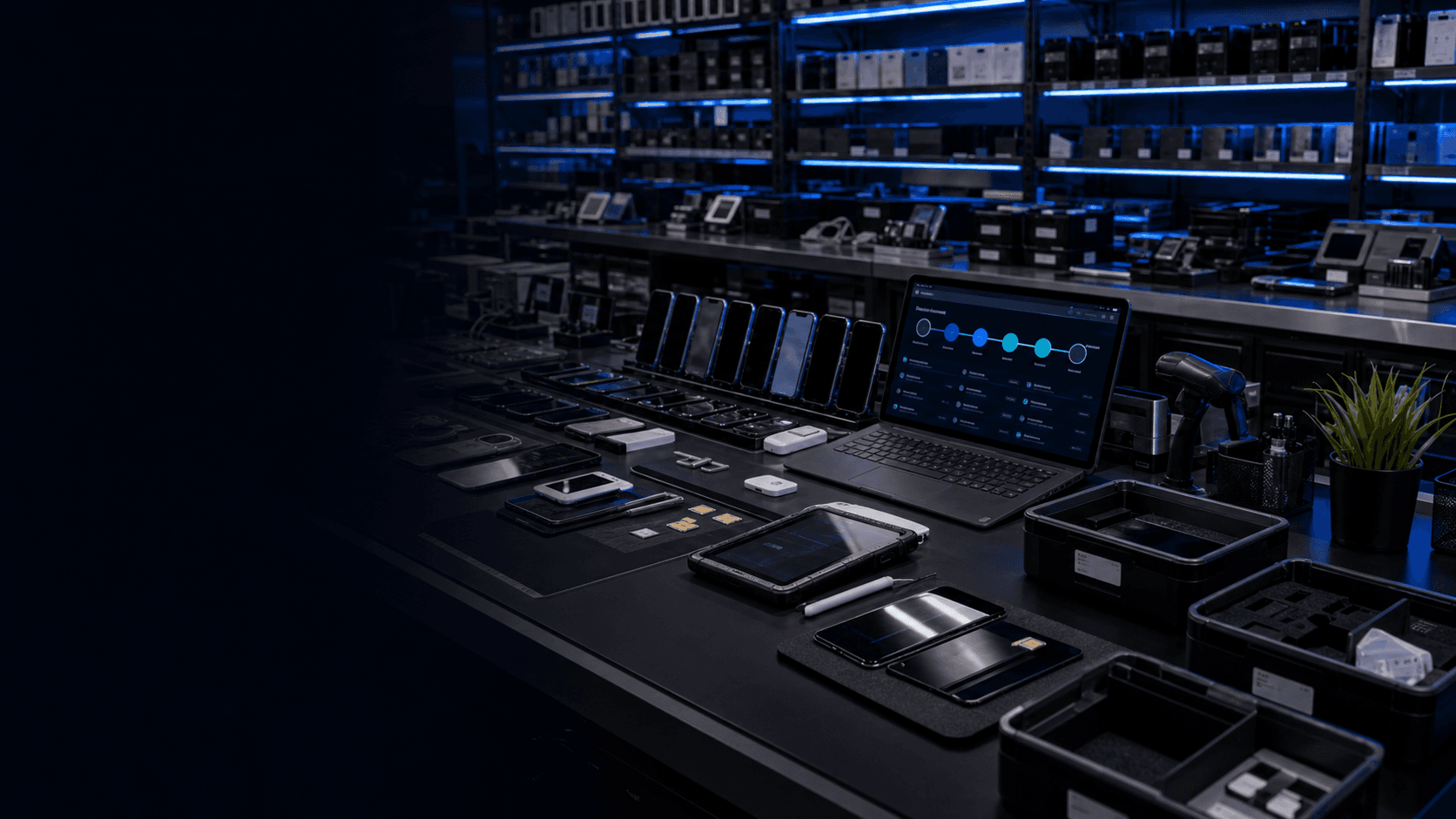
Lifecycle management
Link Logic helps keep assignment, support, refresh, return, wipe workflow, replacement, and retirement details organized as devices move through their useful life.
Assigned
In service
Support needed
Refresh
Return or retire
Staging facility
The bench image is the work: inventory shelves, setup rows, SIM handling, test tools, cables, labels, packaging, and device records moving toward a clean deployment handoff.
Setup, enrollment support, labeling, charging, and readiness checks happen before the field handoff.
Devices, chargers, SIM tools, cases, labels, inserts, and packaging can be bundled around the actual rollout scope.
Hardware can stay grouped by project, carrier, site, user group, install date, or replacement need.
Refresh, return, wipe workflow, retirement, and replacement notes stay visible after deployment.
Start a conversation
Email the project scope, device types, carrier details, kit requirements, and timing. We will help map the right staging, kitting, and deployment support approach.
Email info@link-logic.netInclude if available
Device types and quantities
Carrier, SIM, or activation details
Kit contents and labels
Sites, users, or shipment groups
Timing, refresh, return, or retirement needs